Fast Converter · Guides
Why textures go missing after conversion
A gray or pink model does not necessarily mean its geometry was lost. Check the source images, their paths and the output format’s capabilities first.
1. Check the complete source asset
An OBJ may need its MTL and images; glTF may also need linked .bin files and textures. Do not move only the main file if it references nearby resources. Try opening the source in Blender: if images are already missing, start by locating them.
2. Enable texture export
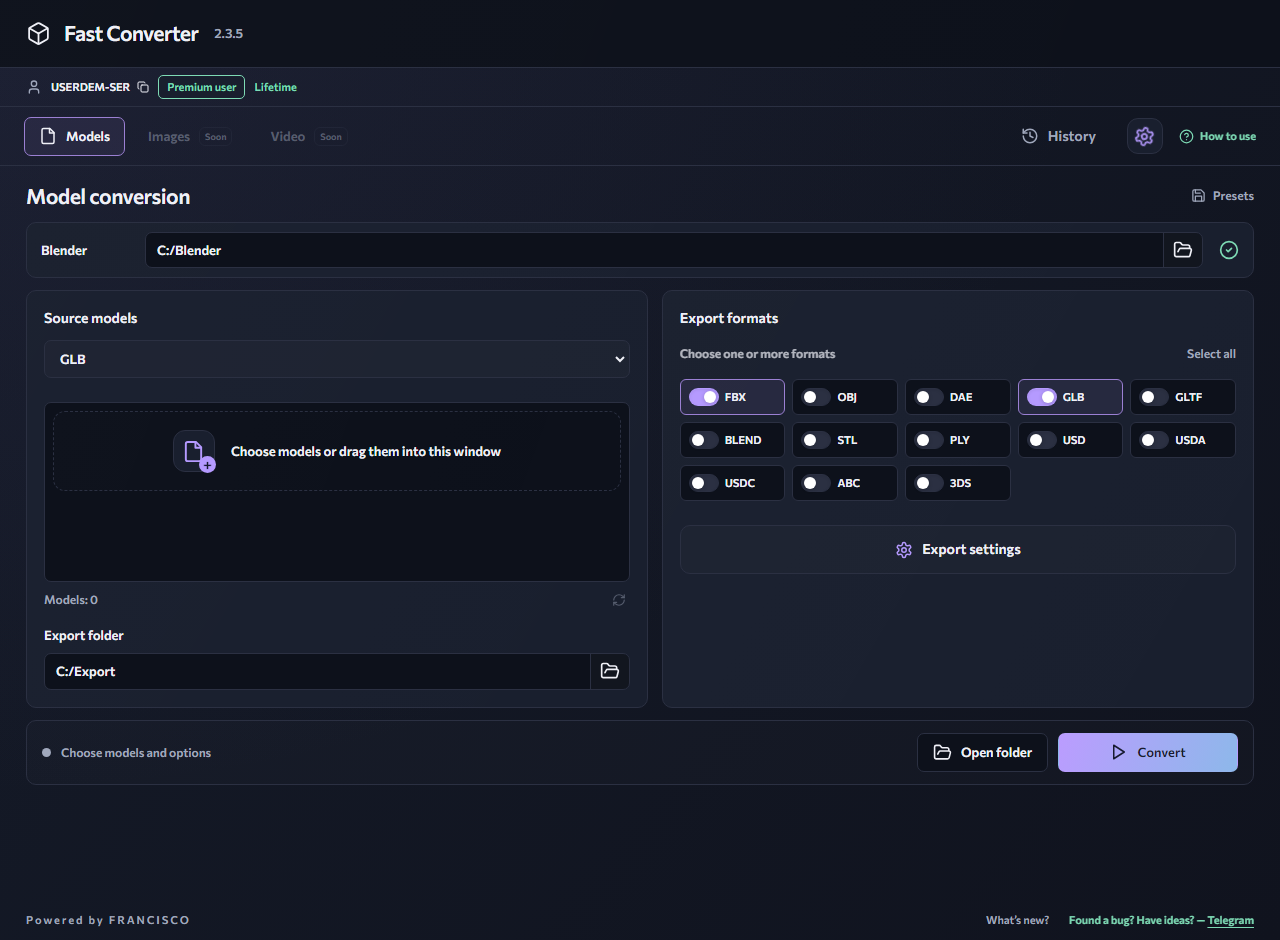
Open export settings in Fast Converter and check Textures. If the images are stored separately, select the texture search folder. Search can locate existing files, but cannot recreate missing images. Check any matching filenames rather than assuming they belong to the model.
3. Consider materials and formats
A procedural material is not necessarily an image texture. Complex nodes may have no direct equivalent in another format. If needed, prepare the material and bake the relevant channels to images in Blender. Check UVs, transparency and color in the destination application after export.
4. Move the complete result
OBJ, MTL and external textures must retain valid relative paths. Keep the generated image folder with the model. For GLB, test a copy from a new folder. If the issue persists, compare a simple material with the problematic one to distinguish a broken path from shader incompatibility.
Related reading
OBJ to GLB — prepare a model for 3D viewing
Convert a static OBJ model to GLB for tools and viewers that support glTF 2.0. Your source files stay on your computer.
GLTF → GLBGLTF to GLB — package your 3D model
Convert a glTF asset with external resources to GLB for easier sharing and use in 3D viewers. Processing runs on your own computer.
Windows 10 / 11 · Installed Blender required · Local processing