Fast Converter · Conversions
How to convert GLTF to FBX
Convert a glTF asset with external resources to FBX for an editor or game project. Fast Converter imports the scene through Blender and saves a new file.
Windows 10 / 11 · Installed Blender required · Local processing
When to choose this format
Choose FBX when your next workflow requires it. Unlike OBJ, FBX can carry supported skeleton and animation data.
How to convert
- Install Fast Converter and Blender. Select the installed Blender folder in the Blender field.
- Select GLTF input and add your files with their linked resources available.
- Choose FBX output. Open export settings and enable the options you need.
- Choose a separate output folder and click Convert. Open the result in the destination application after processing.
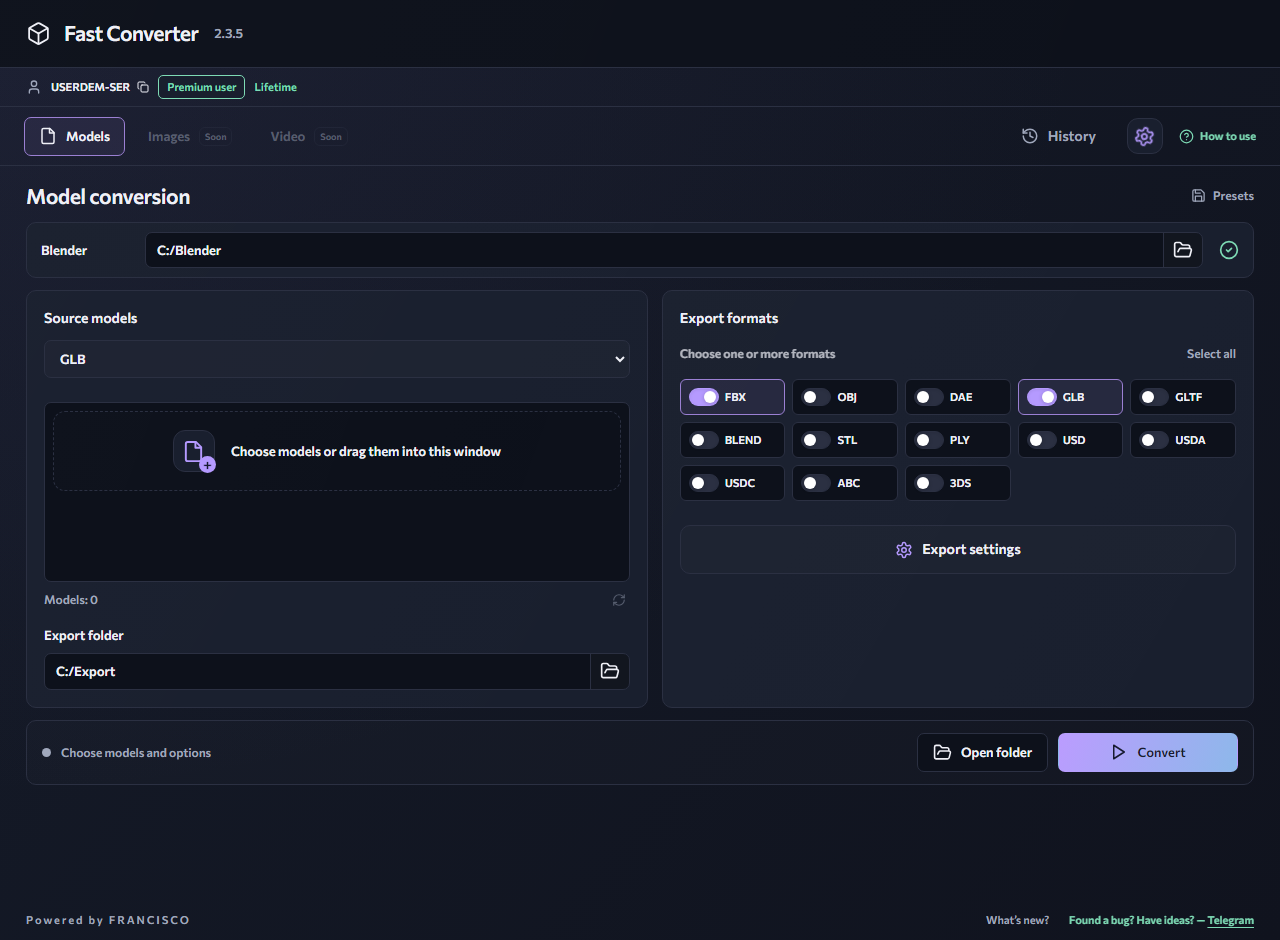
Export settings
Keep GLTF, BIN and textures in their original folders. Select FBX; enable Animation and Skeleton for a character and Textures for materials. Check one file before running a batch.
What to keep in mind
Not every glTF extension or material property has an FBX equivalent. Export cannot recover a missing BIN or lost images. The rig may need adjustments in the destination tool.
Check the result
Inspect size, orientation, transparency and several animation frames. If import fails, open the original GLTF in Blender first and check its resources.
Available in the free version
Process multiple models of one input format and choose one output format per run. Free input formats: GLB, GLTF, FBX, OBJ and BLEND. Free outputs: FBX, OBJ, DAE, GLB, GLTF and BLEND. Mixed inputs, multiple outputs, advanced formats, model preview, LOD removal and ungrouping require Premium.
Common questions
Do I upload my model to the website?
No. Install the Windows application: conversion runs on your computer using Blender. The website provides an interactive interface demonstration.
Can I convert multiple files for free?
Yes: add multiple models of one supported input format and choose one supported output format. Mixed input batches and multiple output formats require Premium.
Related reading
How to convert GLB to FBX
Convert a GLB model to FBX for a 3D editor or game project. Fast Converter processes files locally on Windows using your installed copy of Blender.
GLTF → GLBGLTF to GLB — package your 3D model
Convert a glTF asset with external resources to GLB for easier sharing and use in 3D viewers. Processing runs on your own computer.
GLTF → OBJHow to convert GLTF to OBJ
Convert a glTF scene into a static OBJ model. Gather the .gltf, linked .bin files and images before starting: the description file alone may not contain the entire model.
GuidesHow to batch-convert 3D models
Batch conversion removes repeated setup: choose an input format, add your models, configure export and start processing.
GuidesWhy textures go missing after conversion
A gray or pink model does not necessarily mean its geometry was lost. Check the source images, their paths and the output format’s capabilities first.
Windows 10 / 11 · Installed Blender required · Local processing